
Help The journal
The journal
The journal is about the session: a rating, a plan, and the notes you write while the day is happening. Rate how you traded, not how much you made.
The web app comes with Basic and Pro.
Day view
Open a day to see that day's result, a pre-market plan, quick notes, an after-close review, and a rating.
Phone
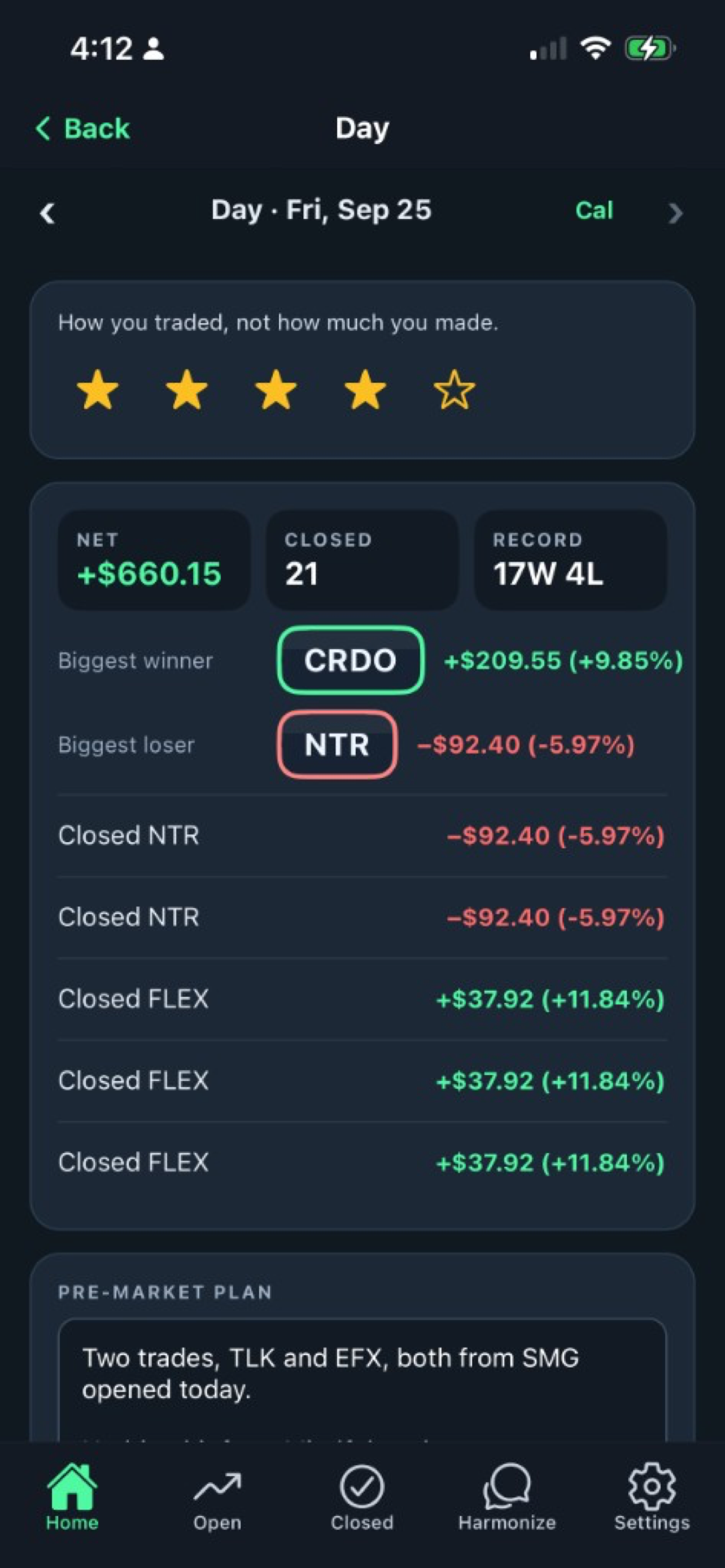
The Today card
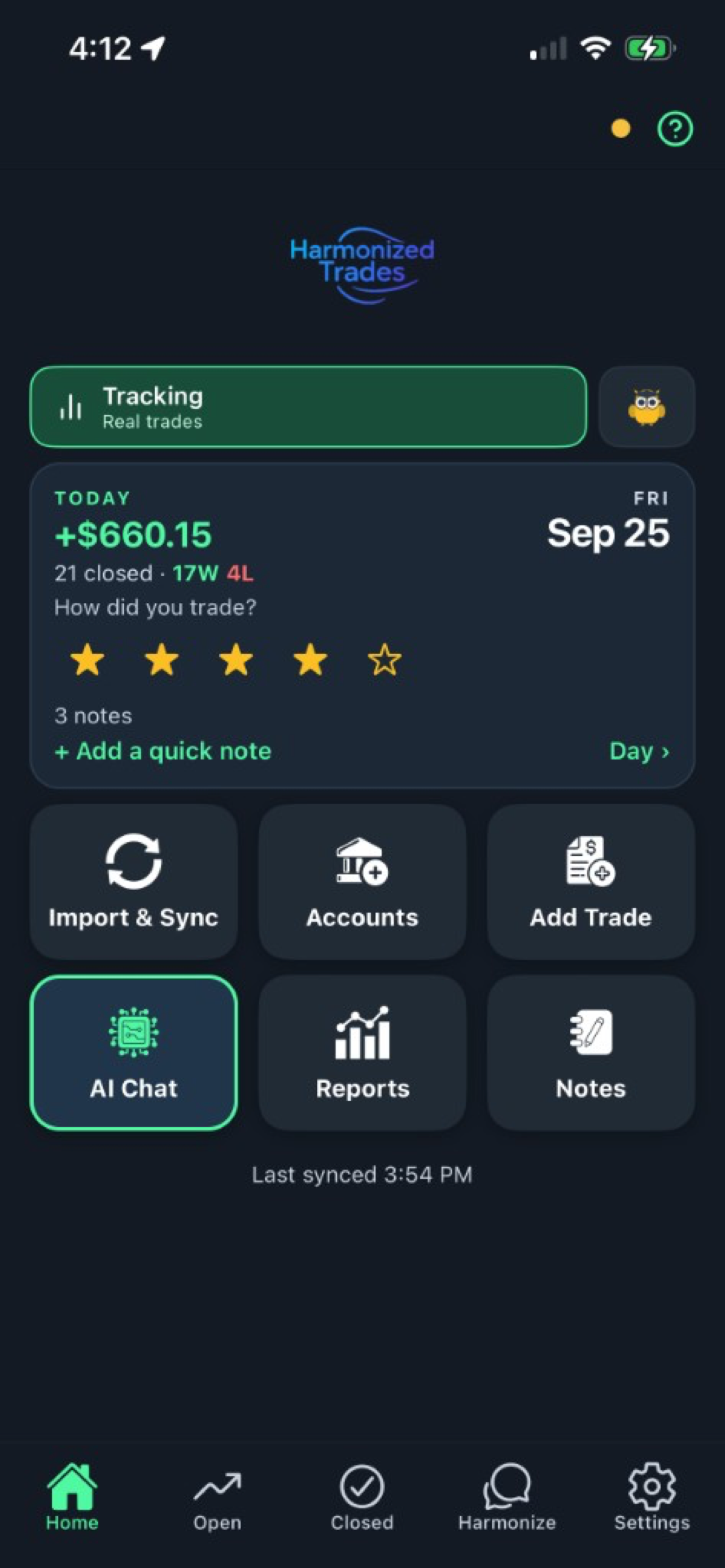
Home shows the same day's rating and quick notes on the Today card, so you can write without leaving Home. The Notes tile opens the list of days you wrote about.
Phone
Web
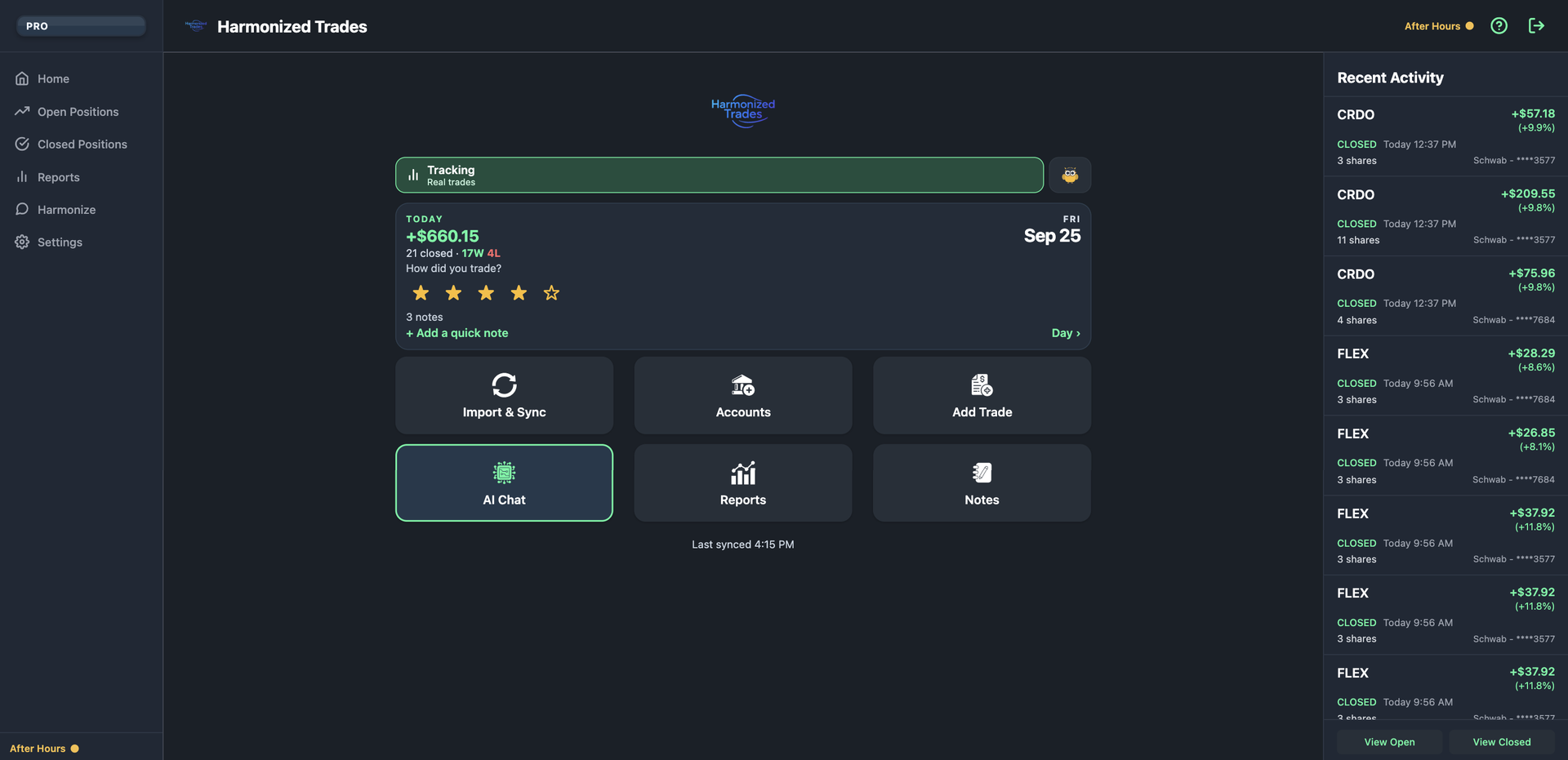
The web app Home uses the same Today card, with Recent Activity beside it.
The Notes list
The Notes list is every day you wrote about, next to that day's result. Chat can search those notes. Ask what you wrote, and the answer quotes your own words.
The 4:30 reminder
The reminder is opt-in and off until you turn it on. On the Today card, the control is Remind me at 4:30 to rate the day. The same switch is Settings → General → Daily journal reminder, under Notifications. The notice says only “Time to journal today's trades.”
Education has its own journal
Switch Home to Education and the journal you see belongs to that paper account. Notes there are not mixed into Tracking, and they are not sent to a model.
Still stuck? Email support