
Help The web app
The web app
The web app is for Basic and Pro. It is at app.harmonizedtrades.com, and it uses the same login as the phone app.
The web app comes with Basic and Pro.
Home and Recent Activity
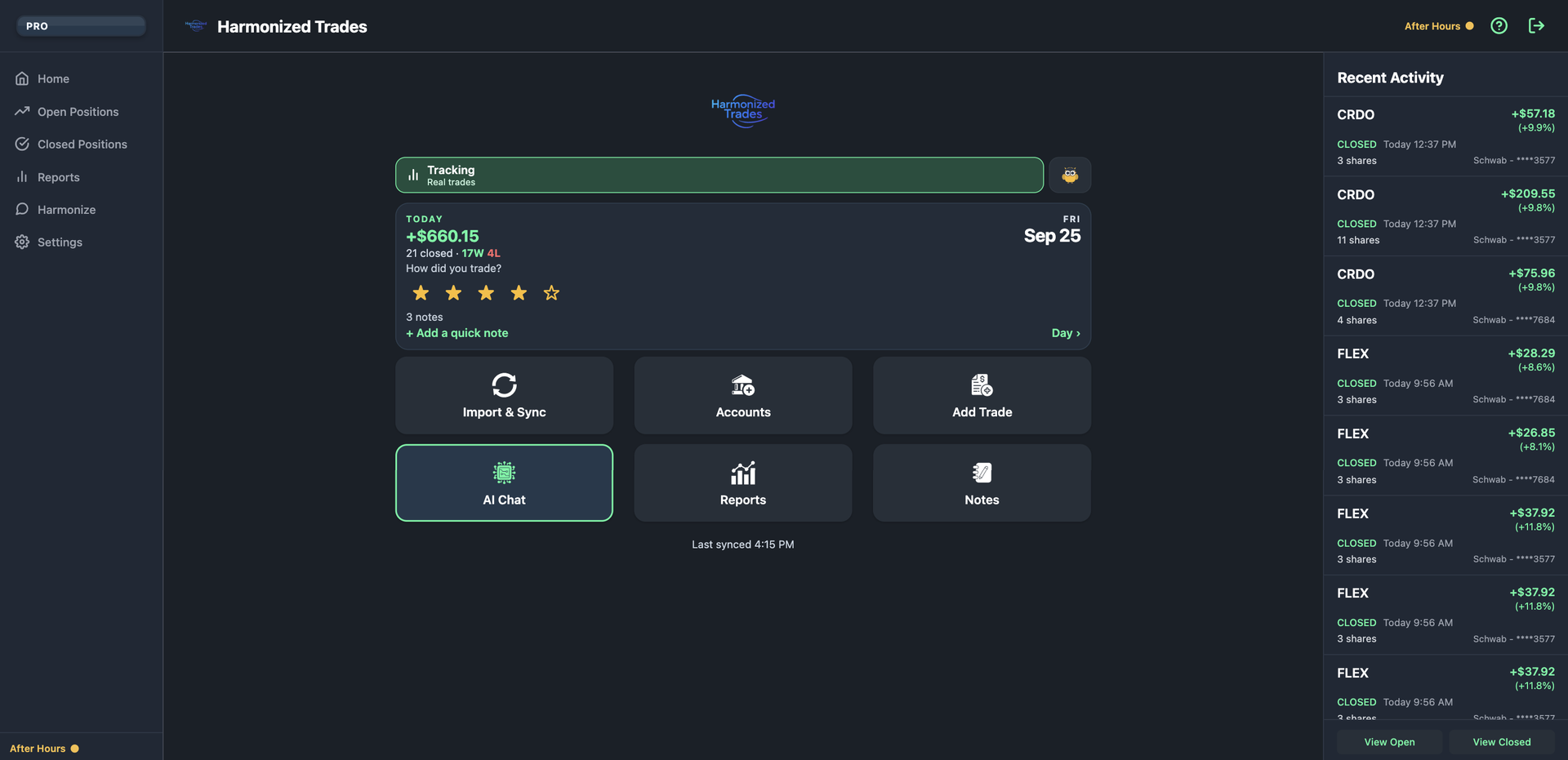
Web Home shows the Today card and the Notes tile. Recent Activity lists closed trades beside it: ticker, result, and which account.
Web
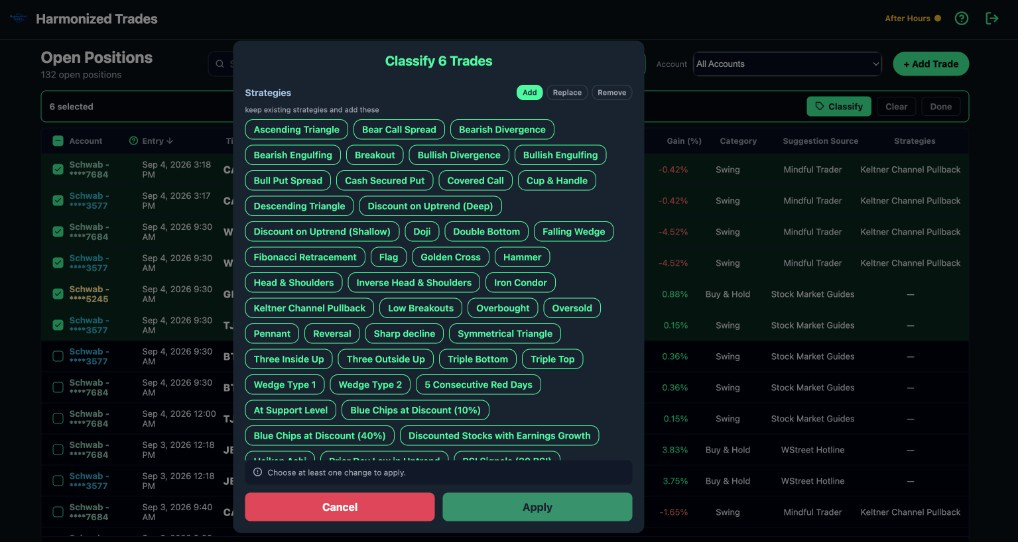
Bulk classify
Select several positions and tag source, strategy, and category in one pass. That is the pile of untagged imports.
Web
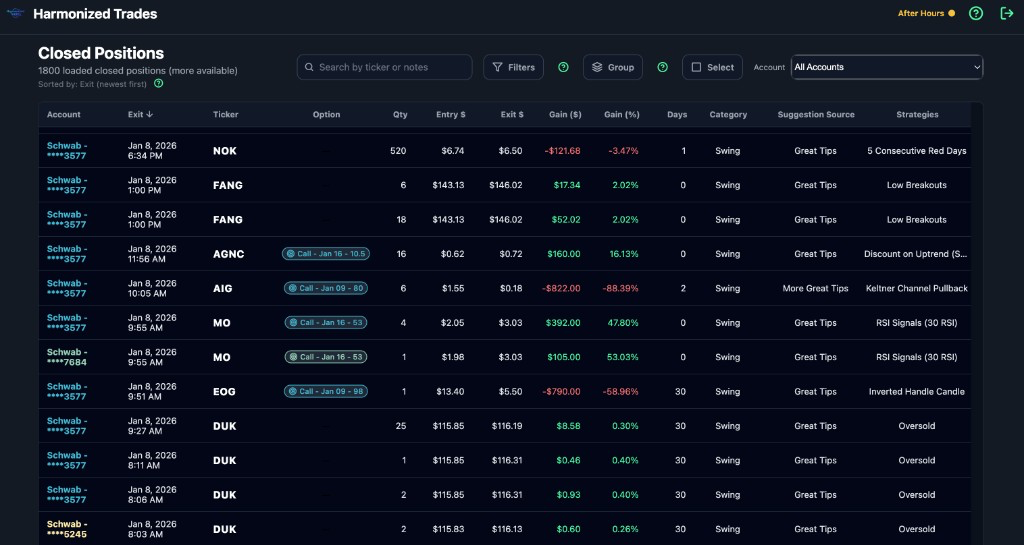
Full trade tables
Closed Positions on the web is a dense table. Every column is visible. Sort and filter without the phone's cards.
Web
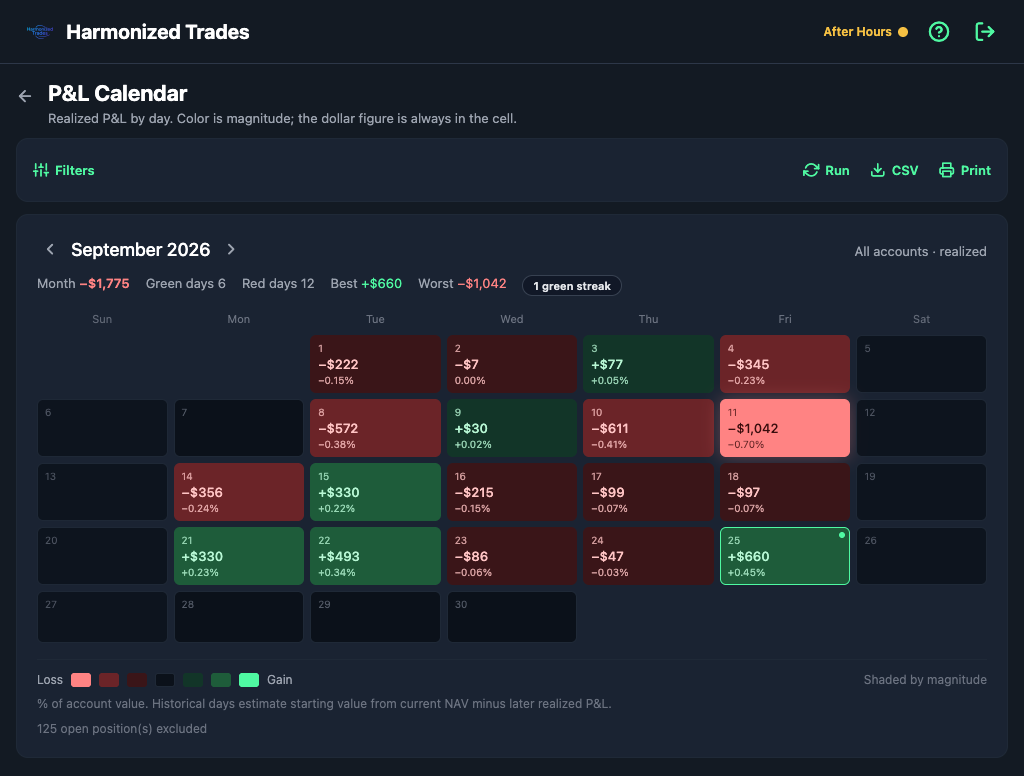
Full-size charts
Charts that are cramped on the phone open at desk size in the web app, including the P&L Calendar.
Web
CSV import and export
Import uses the same Import from a file flow as the phone: match columns once, and the format is saved.
Export is Settings → Data → Export Trades (CSV). Trades only saves one CSV. Trades and journal also saves a second file with your day-journal notes.
Manage subscription
On the web app, open Settings → Manage subscription to see the plan, the trial, and renewal. Cancel there if you subscribed on the web. A subscription bought in the App Store or Google Play is cancelled in that store. Prices and the 7-day Pro trial are the same as on Plans and billing.
Still stuck? Email support